Start here
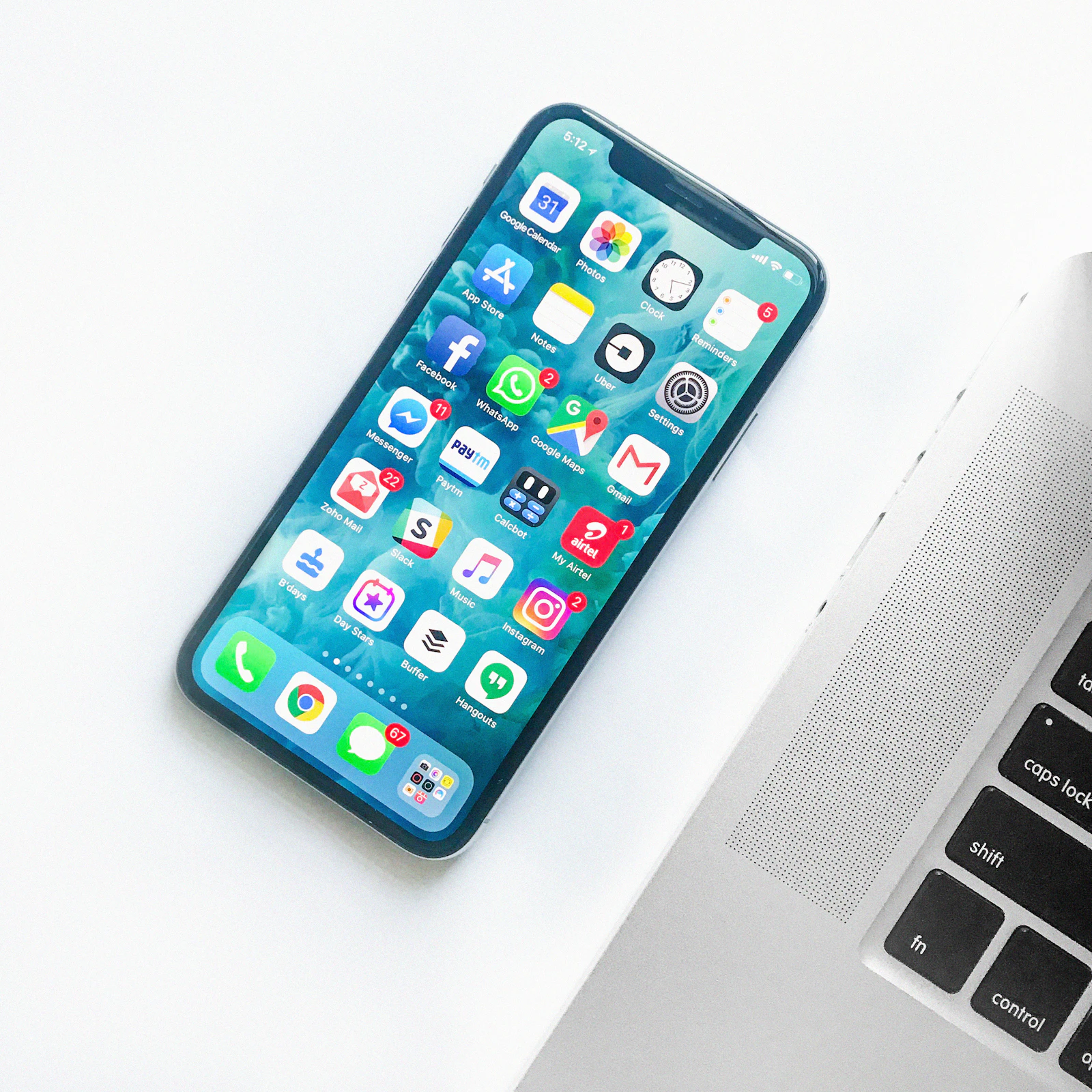
Match the platform to the support network around the user, then prioritise a bright screen, loud and clear audio, long software support, straightforward biometric unlock and a case that is easy to grip.
Best for
- Parents moving from an older smartphone
- Families providing occasional remote help
- Users who value clear everyday controls
Think twice if
- A specialist accessibility phone is required
- The user already has strong platform preferences that point elsewhere
Begin with the day, not the product page
The phone needs to make calls, show family photos, handle messages and recover gracefully when a setting changes. The best choice is not necessarily the simplest-looking handset; it is the one with familiar software, readable controls and nearby help.
That is the lens for this guide. Product Desk compares the decisions a buyer must make, checks terminology against published standards or platform guidance where relevant, and keeps commercial availability separate from editorial judgement.
What to check before you buy
Choose the help ecosystem
A familiar platform shared by family or local support can be more valuable than a cheaper unfamiliar phone.
Set up the important path
Test calls, contacts, camera, messaging, emergency information and account recovery. Remove clutter without hiding essential settings.
Plan for updates and recovery
Record account recovery options securely and enable automatic backups where appropriate. Check how long the model is expected to receive security support.
The trade-offs worth keeping visible
- Very large phones improve readability but can be hard to hold.
- Simplified launchers may make remote troubleshooting less familiar.
- Budget devices can have shorter support windows or weaker speakers.
None of these compromises automatically rules a product out. The point is to pay for the strengths that repeat in your routine and knowingly accept the limitations that do not.
Make the budget work harder
A previous-generation mainstream phone with long remaining support can be better value than a niche device with unfamiliar software. Include a grippy case and suitable charger in the total budget.
See current options from a major retailer
Prices and availability change. The link opens a broad retailer search so you can compare current listings, warranty terms and sellers yourself.
Frequently asked questions
Should I choose the same phone brand as the rest of the family?
It can simplify help, video calling and account recovery, but only if the interface remains comfortable for the user.
Is face or fingerprint unlock easier?
That depends on dexterity, glasses, masks and the specific implementation. Set up the method the user can repeat confidently.
How can I make text easier to read?
Modern phones include text-size, display zoom and accessibility controls. Adjust them together with the user and check key apps afterward.
Sources and further reading
Product Desk last checked the guidance used in this article on 5 August 2026. Source links support standards or general buying principles; scenario advice is our editorial interpretation.